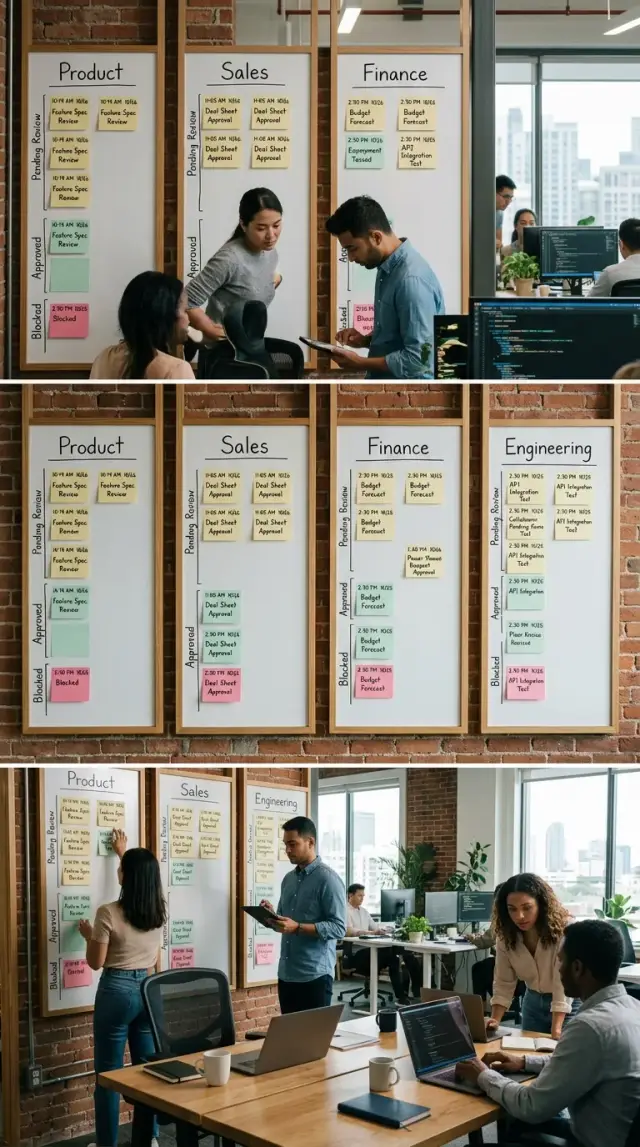
Automation discovery starts with screen recordings
Good automation discovery starts when operators record a real task, narrate each step, and expose the copies, pastes, checks, and delays diagrams miss.
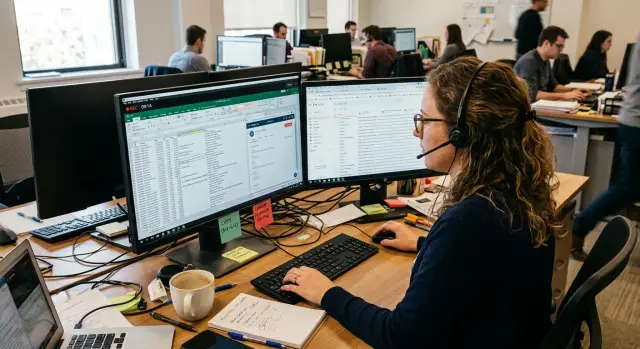
Table of Contents
Why process diagrams miss the messy parts
When people draw a process, they clean it up without meaning to. They remember the official path, not the real one. The boxes look neat. The work usually isn't.
A diagram might say "open customer record" as if that is a single step. In practice, the operator checks the CRM, searches email for an old thread, copies an order number from chat, fixes a typo, waits for a slow page, then checks the record again because the first result looks wrong. Most of that never makes it onto the chart.
That gap is where automation projects often go wrong. The tiny moves decide whether a workflow works on day one or falls apart as soon as the data gets messy.
People also stop noticing repair work. If a field is blank, they fill it from another system. If a name does not match, they guess which account is right. If a date format is wrong, they correct it and move on. After a few months, that work feels automatic. They don't describe it because it feels like breathing.
Process diagrams leave out friction that seems too minor to mention: switching between tabs, waiting for pages or approvals, checking the same number twice, or typing the same value into two places. Each action looks small. Put them together and they shape the whole task.
Those details tell you where data is weak, where people make judgment calls, and where workflow automation will need rules, fallbacks, or a human check. A flowchart can still help, but it should come later. Start with what the operator actually does when the work is a little annoying, a little inconsistent, and completely normal. That is where the real process lives.
What a narrated screen recording gives you
A process diagram shows the cleaned-up version of work. A narrated screen recording shows the version people actually live with.
You hear the operator explain why they stop, search for an old note, copy a line from one tool, or check a spreadsheet before clicking the next button. That narration matters because people follow rules they never write down. The rules feel too obvious to mention until someone asks them to talk through the task.
A recording also shows the exact path. Which app opens first, which field gets filled, which file gets renamed, which browser tab stays open the whole time. A diagram might say "update the ticket and notify billing." A recording shows that the operator also checks order history, compares two IDs, fixes a date format, and copies a standard reply from a private note.
Most "tasks" turn out to be three smaller jobs mixed together:
- finding the right information
- making a decision
- updating systems and sending the result
That split helps. You may automate only the last part first and leave the decision to a person. That's often a better starting point than trying to automate the whole thing in one pass.
Narration also reveals hesitation, which is often more useful than the clicks themselves. If someone says, "I always double-check this field because the export is often wrong," you've found a weak spot. If they say, "I copy this into search because customer names are inconsistent," you've found another. Those moments rarely appear in documentation, but they shape the work every day.
Ten minutes of real work usually tells you more than an hour spent polishing a process map in a meeting.
Pick one task worth recording first
The best first recording is usually a boring task that shows up every day or every week. If people do it often, the waste is easy to spot and the time savings add up quickly.
Keep the scope tight: one person, one task, one result. "Send the weekly inventory update" is specific enough. "Manage inventory" is too broad and will drag in side jobs, interruptions, and one-off exceptions.
Good candidates have visible handwork. Look for tasks where someone copies data from one tool to another, checks a value in a second system, pastes the same note more than once, or updates a status after each step. That kind of work is perfect for a first round of automation discovery because the friction is visible on screen.
A simple filter works well. Pick a task that happens at least weekly, one person can finish alone, and the result is easy to name and verify. The normal path should include several manual actions and touch more than one app or tab.
Skip edge cases at the start. A refund with five approvals or a broken import might feel urgent, but it does not show the normal path. Record the routine version first. Once you understand that, you can decide which exceptions need their own logic and which ones people should still handle by hand.
A small, messy task often beats a large, famous one. If an operations assistant spends 20 minutes every morning pulling order numbers from email, checking a dashboard, and updating a sheet, that is a strong first target. It is frequent, easy to measure, and simple enough to redesign without guesswork.
How to run the recording session
Use a live task that already landed in the operator's queue that day. A fake walkthrough hides the workarounds, shortcuts, and little checks that make automation discovery useful. If the task normally starts with an email, chat message, or ticket, start there.
Ask the operator to work exactly as they usually do and say everything out loud. You want the clicks, but you also want the reasons behind them. When they pause, switch tabs, copy a number into a note, or check an old message, that is part of the job.
A plain prompt works best: "Please do the task as you normally would, and say what you are looking at, what you are deciding, and why you are switching between tools." People usually talk more when the request sounds normal.
Before they begin, set up the recording so you don't miss anything:
- capture the full screen, not one app window
- make sure the cursor is visible
- record clear audio from start to finish
- start a little early and stop a little late
Don't coach them through the task. If you jump in every minute, you change the process you came to observe. Let silence sit for a moment. If they stop talking for too long, ask one neutral question such as "What are you checking now?" Then step back.
This is where many teams miss the details that later break the build: a lookup in an old spreadsheet, a manual timezone check, a copied customer ID, a pause to decide whether a case needs escalation. A polished process map rarely captures any of that.
Keep the raw file. Save the original recording before you trim clips, write notes, or turn it into a summary. When people start debating how the task "really" works, the raw video ends the argument fast.
If you record several sessions, name the files in a boring, consistent way. Include the task name, the operator, and the date. It sounds minor. It saves a surprising amount of confusion later.
What to note while you watch
Watch for the tiny actions people stop seeing. Big steps are easy to remember later. Small moves are where the time goes.
Start with every copy and paste. If the operator copies a customer name from email into a CRM, then pastes an order number into a spreadsheet, write down each jump. Those movements between tools are often the first automation candidates because they repeat all day and rarely appear in process mapping.
Count every lookup too. When someone checks email, chat, docs, a spreadsheet, or an internal tool to answer one question, mark each one separately. Five quick searches can waste more time than one long form. They also tell you the team depends on scattered information instead of one trusted place.
For each handoff, keep simple notes on what goes in, what comes out, who uses the result, where the result ends up, and what starts the next step. A workflow can still fail even when it creates the right output. It might send it to the wrong place, in the wrong format, or too late for the next person.
Mark pauses and approvals with the same care. If the operator waits for a manager, a customer reply, or another system to refresh, write down why. Also note every place where data changes shape, such as a PDF turned into spreadsheet rows, a screenshot turned into a ticket, or free text turned into a dropdown value. Those format shifts often break automation first.
Pay close attention when the operator catches an error. Maybe they spot a typo in an account number, remove a duplicate row, or fix a date format before sending an update. Write down what went wrong, how they noticed it, and what they did to fix it. Manual fixes usually mean the real rules live in someone's head, not in the tool.
Good notes sound specific. "Copied tracking number from carrier page into CRM 14 times" gives you something you can build from. "Updated shipping info" doesn't.
A simple example from a support team
A support ticket looks simple on the surface. A customer asks, "Where is my refund?" The agent reads the ticket, opens the CRM, checks the order history, and tries to work out what happened before writing a reply.
That sounds like one task. In practice, it often breaks into a string of small moves that nobody writes down. The agent copies the customer ID from the ticket into one internal tool to confirm payment status. Then they paste the same ID into another tool to check shipping or return details. After that, they search for the refund rule in an old document because the policy depends on order type and timing.
At that point, the agent still hasn't answered the customer. They have been doing lookup work, memory work, and double entry.
A real session often looks like this:
- read the ticket and pull out the customer ID
- open the CRM and review the order history
- check two internal tools with the same ID
- find the right refund rule in a shared document
- paste the final status into both the ticket and a spreadsheet
One simple reply becomes eight separate actions. Some take only a few seconds, but the switching adds up. If the agent handles 40 similar tickets a day, even 30 extra seconds per ticket turns into real time.
That is why screen recordings are so useful in automation discovery. A process diagram might say "check eligibility and update status." The recording shows what actually happens: which tab opens first, what gets copied, where the person hesitates, and which step gets repeated because the tools do not talk to each other.
The first workflow might not need fancy logic at all. It could pull the customer ID once, fetch order and payment details automatically, show the refund rule in the same view, and write the same status update to both places. Small fix, less switching, fewer mistakes.
How to turn notes into a first workflow
A good first workflow is smaller than most teams expect. Don't map the whole department. Pick one handoff where work moves from one person to another person or tool, and make that part work first.
Take the notes from the recording and sort each action into four buckets:
- inputs: what enters the task, such as a form, email, chat message, or spreadsheet row
- checks: facts someone verifies, like account status, order details, or missing fields
- decisions: moments where a person chooses between two or three paths
- outputs: what the task creates, such as an update, reply, ticket, or approval
This sort cleans up messy behavior quickly. It also shows which steps follow clear rules and which depend on judgment. Tools handle repeatable work well. People should still handle unclear requests, missing information, policy exceptions, and anything that could affect a customer.
For most teams, the best first move is to automate the boring middle. Let the tool collect data, copy fields, run simple checks, and draft the next step. Keep a person in charge of the uncertain parts.
A small workflow might work like this: a support inbox gets a refund request, the tool pulls the order record, checks the refund window, drafts a reply, and sends the case to an agent for approval. If the order data is incomplete or the request falls outside policy, the workflow stops and asks the agent to decide. That is enough for a first test.
This is where automation discovery becomes practical. You stop describing the process in broad terms and start building one path that people can try in real work.
Keep the first version narrow enough that you can watch every run and fix mistakes quickly. Teams moving toward AI-first operations usually get better results this way because they learn from one live handoff instead of betting on a giant plan.
Mistakes that send teams in the wrong direction
The most common mistake is recording a training demo instead of real work. A demo is too clean. It skips the pauses, second guesses, copied notes, and extra tabs people open when the written process stops helping. Record live work with a real ticket, request, or customer case.
Teams also choose the wrong first task. If the job has a different path every time, the first automation effort turns into a long argument about exceptions. Start with work that happens often and follows a pattern, even if that pattern is a bit messy. Leave the strange once-a-month cases for later.
Small lookups are easy to dismiss because each one takes only a few seconds. A search in email, a copied order number, a quick CRM check, a glance at a spreadsheet cell - none of them looks dramatic on its own. Put ten of them together and you find where the hour went. If you skip those moments, the new workflow still leaves the slow part in human hands.
Screenshots create another trap. A frozen screen shows what happened, but not why. When the operator pauses for 15 seconds, ask what they were checking, what risk they saw, and what made them trust one option over another. That short pause often carries more meaning than the click before it.
You can usually spot a weak discovery session quickly. The recording feels smoother than a normal day. The task happens only now and then. The notes skip the tiny searches and copy-paste steps. No one asks why the operator hesitated. Then the build plan tries to automate everything at once.
That last mistake wastes the most time. A better first move is smaller: prove that one lookup, one classification decision, or one data handoff can work with low error. Then expand.
Quick check before you build anything
Most first drafts fail for boring reasons, not hard ones. Someone skipped the real trigger, missed one app, or forgot that a person stops to make a judgment call. A short review now can save days of rework later.
Use the recording and your notes to answer five plain questions:
- What exact event starts the task? Name it in one sentence.
- Which tools did the operator open or switch between?
- Which fields moved between those tools?
- Which steps need human judgment or approval?
- Can you run the draft on five real cases this week?
That last question matters more than it seems. A workflow can look clean on paper and still fail on real cases with missing data, duplicate records, or weird exceptions. Five recent cases usually expose the weak spots quickly.
A simple rule helps: if you cannot answer one of those questions from the recording, don't build yet. Record another session. In automation discovery, one extra recording is cheaper than fixing a bad workflow after people start using it.
This is also where teams often over-automate. If an operator checks a refund reason and decides whether to escalate, keep that decision with a person at first. Automate the copying, matching, and status updates around it. You can always expand later.
If two operators give different answers to the same question, stop there. You have found the real problem. The process is not consistent enough to automate well.
What to do next
Pick one task that repeats every day or every week and record it within the next few days. Don't start with a giant process that touches half the company. Start with something one person does often enough that small savings add up.
A good first choice usually has friction you can hear in the recording. The operator says things like "I need to check one more tab," "I copy this into the ticket," or "I always look this up before I reply." That's enough to begin. You do not need a perfect map first.
After the recording, watch it with the same operator and cut the scope down. If the full task takes 20 minutes, your pilot might remove only a two-minute chunk. That's fine. Small wins are easier to test, easier to trust, and much easier to fix.
Keep the follow-up simple. Pick one repeated task, review the video with the operator, and mark every copy, paste, lookup, and manual check. Then build a small pilot that removes one annoying step. Measure the time before and after, count the mistakes you avoided, and keep a short log of the cases that still need a person.
Sometimes one copied field is enough to prove the point. If a support agent moves an order number from email to a ticket 50 times a day, removing that step saves only seconds each time, but those seconds pile up fast and cut down on typing mistakes.
If the task crosses teams or mixes old tools, APIs, and AI systems, scope can get messy quickly. In those cases, an experienced outside view helps. Oleg Sotnikov at oleg.is works as a Fractional CTO and startup advisor, and this kind of narrow, practical automation work fits the way he helps teams move toward AI-driven software development without turning a small pilot into a large, risky project.
Frequently Asked Questions
Why isn’t a process diagram enough?
A diagram shows the official path. Real work includes searches, copy-paste steps, slow pages, fixes, and judgment calls that people stop noticing.
Those small moves decide whether automation helps or breaks when data gets messy.
What should I record first?
Start with one boring task that happens every day or every week. Pick something one person can finish alone and where you can name the result clearly.
Good first targets usually involve moving data between tools, checking the same value twice, or pasting the same note again and again.
Should I record a live task or a demo?
Use a real task from that day’s queue. A demo hides the workarounds and little checks that make the process real.
If the work usually starts from an email, ticket, or chat message, start there and let the operator work as usual.
How long should the screen recording be?
Ten to twenty minutes often gives you enough detail for a first pass. You want one complete task, not a long meeting about the task.
Start a bit early and stop a bit late so you catch the trigger and the final update.
What should the operator say during the recording?
Ask them to say what they see, what they decide, and why they switch tools. That simple prompt usually gets the useful parts.
When they go quiet, ask a neutral question like “What are you checking now?” and then let them continue.
What details should I note while I watch?
Write down every copy, paste, search, tab switch, pause, approval, and manual fix. Note what data moved, where it came from, and where it went.
Pay close attention when someone says they always double-check something. That usually points to weak data or a rule that only lives in their head.
How do I turn the recording into a first workflow?
Build around one handoff, not the whole department. Sort what you saw into inputs, checks, decisions, and outputs, then pick the repeatable middle part.
A strong first workflow collects data, fills fields, runs simple checks, and hands the uncertain part to a person.
Which parts should I not automate yet?
Keep judgment with a person at first. If someone must interpret a vague request, handle an exception, or make a customer-facing call, don’t rush that into automation.
Let the tool do the repetitive parts around the decision, like collecting records, matching fields, and drafting the next step.
How many real cases should I test before rolling it out?
Run it on five real recent cases before you trust it. That small sample usually exposes missing data, duplicate records, and odd exceptions fast.
If you can’t answer basic questions from the recording, record another session before you build more.
What if two people do the same task differently?
Stop and fix the process first. If two operators handle the same case in different ways, you don’t have one workflow yet.
That disagreement often matters more than the tooling choice. When the task crosses teams or mixes old systems with AI tools, an experienced CTO can help narrow the scope and keep the first pilot small.